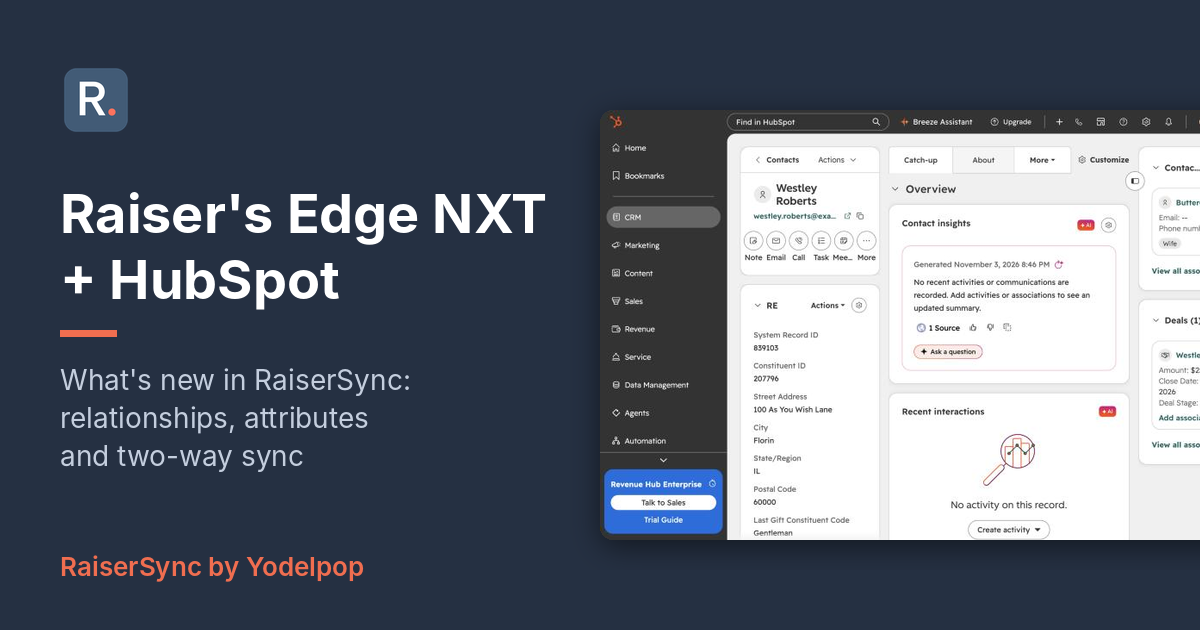
Raiser's Edge NXT + HubSpot Integration: What's New in RaiserSync
RaiserSync connects Raiser's Edge NXT and HubSpot. We've spent the last few weeks on the biggest update since we launched it, and this post walks through what changed, how it works, and what current customers need to do.
The short version
RaiserSync is now one plan, with everything included: two-way sync, relationships, attributes, membership and the HubSpot workflow action. It's $367 a month, or $3,950 a year billed annually. You install it from the HubSpot App Marketplace and connect Raiser's Edge from inside HubSpot.
Here's a 90-second tour, starring Westley and Buttercup:
New from Raiser's Edge into HubSpot
Relationships and households
The relationships you keep in Raiser's Edge now come over to HubSpot, whatever their type: spouses and partners, parents, children and siblings, friends, advisors and assistants, employers and employees, board members, foundation contacts, and any custom types your organization has set up. When both records are in HubSpot, RaiserSync links them with the same labels you use in Raiser's Edge. Westley's record shows Buttercup as his wife and hers shows him as her husband, and a board member's record links to the organization with "Board Member" on one side and the reciprocal label on the other.
Every contact also gets a household name and a written list of their relationships, including people who aren't in HubSpot. People in Raiser's Edge who aren't constituents, like a spouse who has never given, get their own HubSpot records so they can be linked too. RaiserSync brings over every relationship type by default, or you can pick just the ones you want.
Attributes
You can map up to 25 Raiser's Edge attributes to HubSpot properties, either to a property you already have or to one RaiserSync creates for you. When a constituent has more than one value in a category, like several interests, every value comes over, not just the latest one. Once you add a mapping, RaiserSync fills it in for existing records overnight, then keeps it up to date.
Constituent codes
A Constituent Codes property carries all of a constituent's current codes, not just one. It's a multi-select, so you can filter and build lists on any combination, and new codes are added as options automatically as they show up in Raiser's Edge.
Membership
Membership program, category, standing, and join and renewal dates now come over to the contact, ready for renewal reminders and member-only communications.
One "do not email" property, with the reason
Raiser's Edge can say "don't email this person" in several places: the Do Not Email setting, solicit codes, and email consent. RaiserSync now checks all of them and fills in one Yes/No property in HubSpot, plus a second property with the reason. That gives you a single field to build an exclusion list from, so people who opted out in Raiser's Edge don't get your HubSpot emails. This is on for every customer.
New from HubSpot back into Raiser's Edge
Log activity to Raiser's Edge from any workflow
A new RaiserSync workflow action records a call, meeting, mailing or email as an Action on the constituent's record in Raiser's Edge. You write the summary in the workflow, and it can include HubSpot properties. It lands next to the constituent's giving, where gift officers will see it.
Email engagement, in more detail
The last marketing email sent, the last one opened and the last one clicked now show up as separate rows on the constituent, each with its own date. Before, they were combined in one row, which made it hard to tell what someone had actually done. Website activity from HubSpot comes over too.
Contact changes, both ways
Name, email, address, phone, birthday and opt-out changes made in HubSpot go back to Raiser's Edge. The primary email always matches in both systems: change it in either one and the other follows.
How matching works (and how to avoid duplicates)
When a gift or change comes in from Raiser's Edge, RaiserSync looks for the matching HubSpot contact in this order:
- A contact with the same System Record ID.
- If there isn't one, a contact whose primary email matches the constituent's primary email in Raiser's Edge.
- If neither matches and the change is a new gift or a new constituent, it creates a contact.
Most duplicates come from contacts that were in HubSpot before RaiserSync was installed. They don't have a System Record ID, so if their email in HubSpot is different from the primary email in Raiser's Edge, or missing, RaiserSync can't tell they're the same person. The fix is to add the System Record ID to those existing contacts with a HubSpot import. Once they have it, they'll match every time, whatever their email is. We're glad to help with that import.
Changes usually reach HubSpot within about 15 minutes.
What current customers need to do
- If you're on the original one-way plan, nothing changes unless you want it to. You keep your plan and price, and you already have the new Constituent Codes and "do not email" properties. Moving to the current plan is a change to your subscription, with nothing to reinstall.
- To turn on relationships, attributes or membership, let us know which ones you'd like and we'll switch them on. They're off until you ask, so nothing new shows up in your portal by surprise.
What's next
Here's what we're working on for the next release:
- Soft credits on gifts
- Raiser's Edge Actions as HubSpot notes, so the full history shows on the contact instead of only the latest one
- Your own field mapping, for Raiser's Edge fields beyond the ones RaiserSync maps by default
- Linking to your HubSpot custom objects, like a Household object
Get RaiserSync
Install RaiserSync from the HubSpot App Marketplace and connect Raiser's Edge NXT from inside HubSpot: install RaiserSync. You'll need HubSpot Marketing or Sales Hub Professional or Enterprise and a Raiser's Edge NXT subscription.
Questions about the update, or about your own setup? Reply to any email from us, or get in touch. RaiserSync is built and supported by Yodelpop.